Demo: Animating in Photoshop
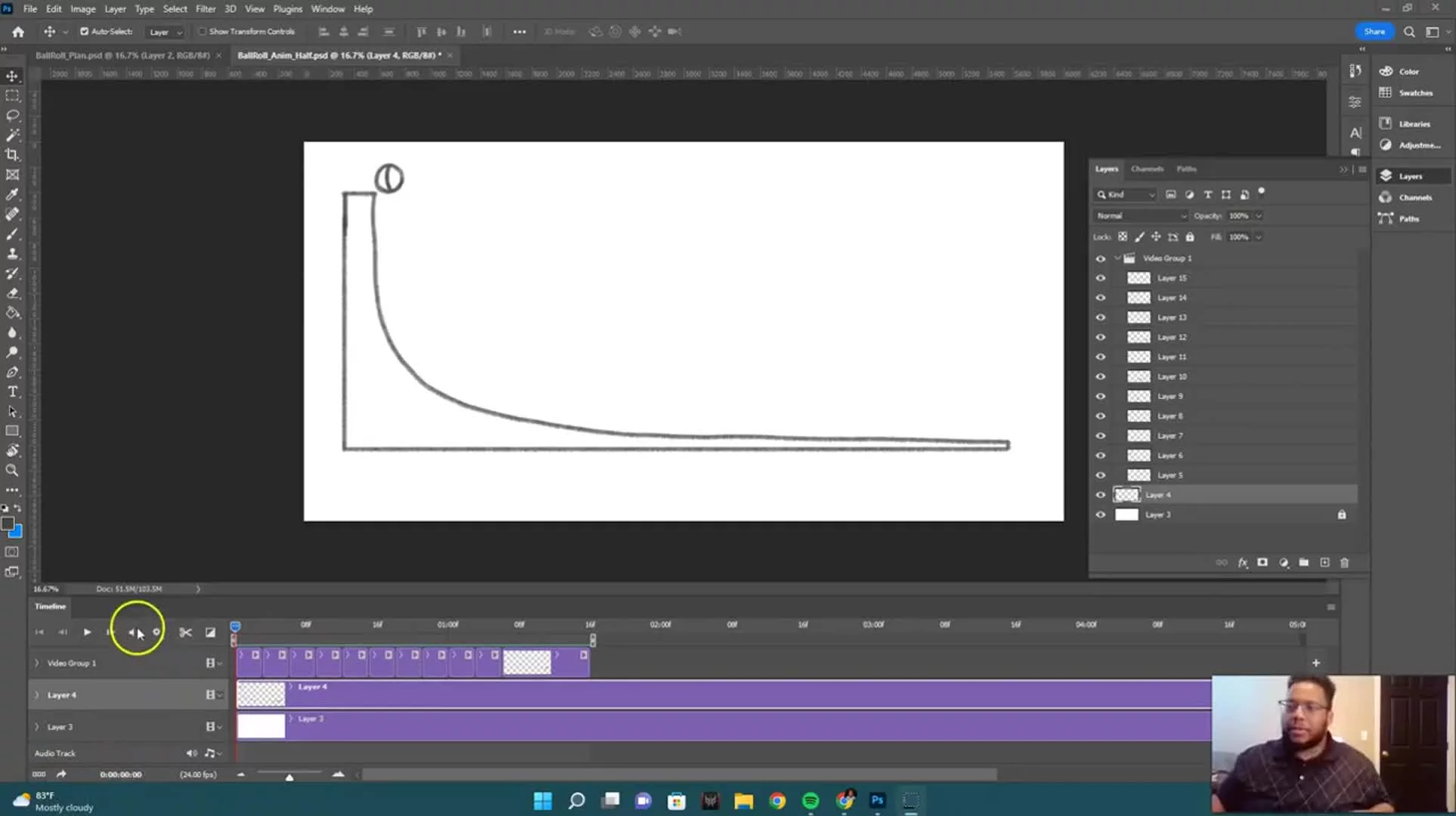
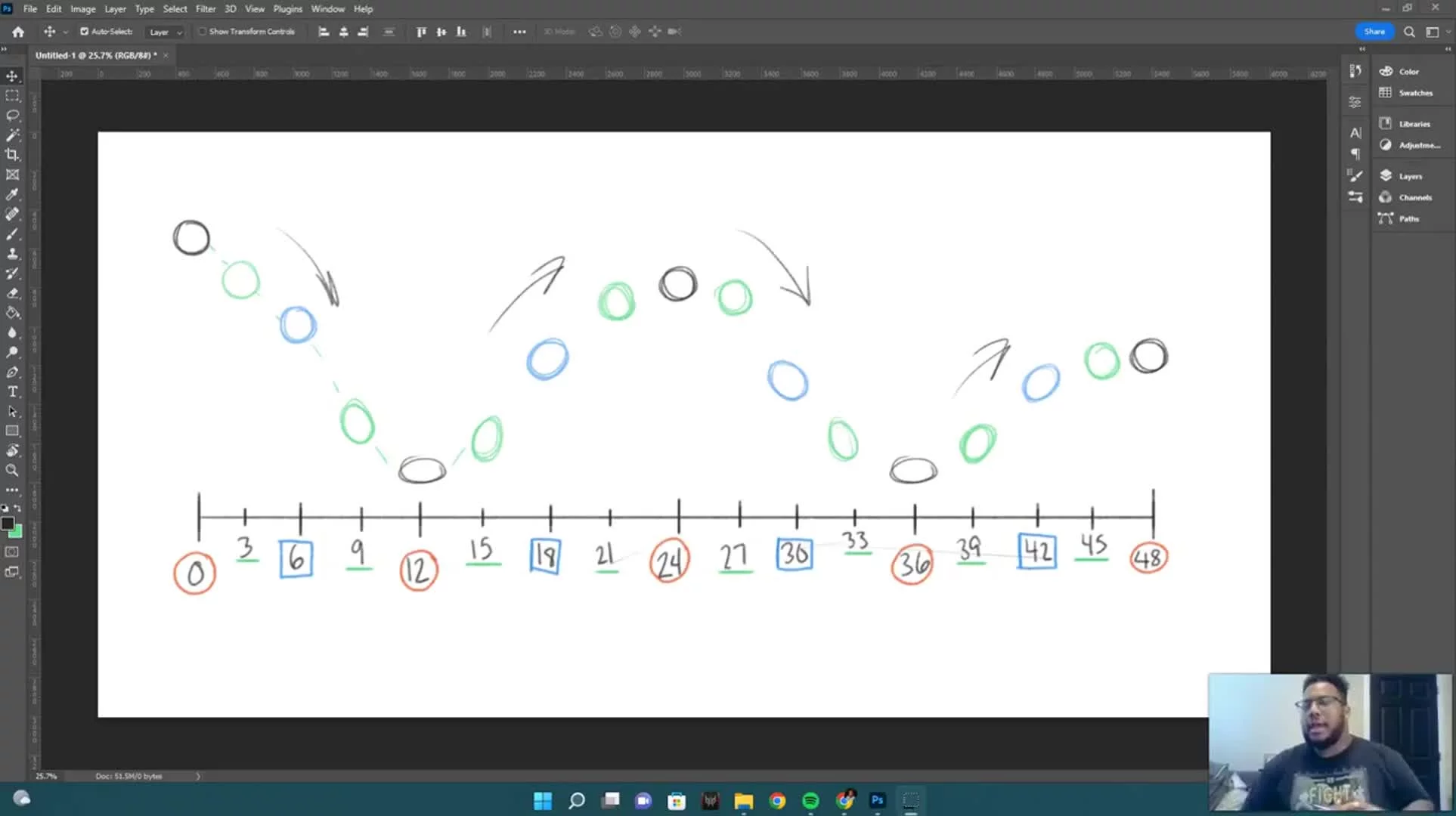
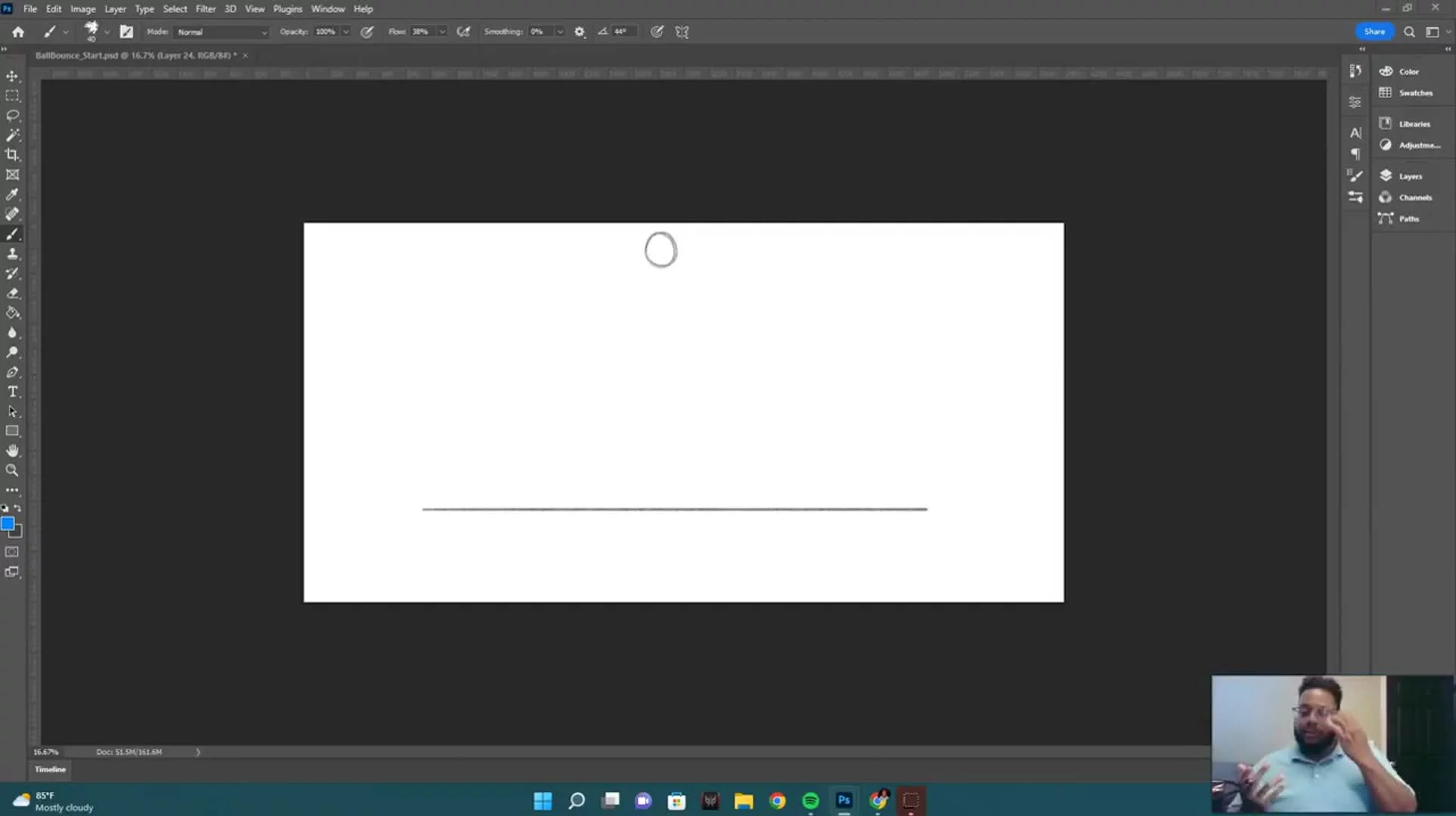
In this video, I'll be walking you through how to set up a file for animating in Photoshop. This is the first in the series of demos. Feel free to use the timestamps below as an overview of this video, as well as where you can locate specific topics covered:
0:00 - Intro
0:55 - Setting Up Your File
1:45 - Video Timeline
3:20 - Layer Tips
4:27 - Timeline Settings and Frame Rate
6:05 - Breaking Down the Timeline
7:48 - Creating and Scaling Layers
8:50 - Workflow Tips
10:02 - Drawing on Layers
11:20 - Grouping Video Layers
12:27 - Scrubbing with the Playhead
13:03 - Workflow Tips 2
15:10 - Onion Skinning
20:40 - Timeline Play Area
23:23 - Adding More Drawings (Animating)
26:30 - Progress Check
27:17 - Final Thoughts
Previous
Demo: Animation Plan Drawings
Next